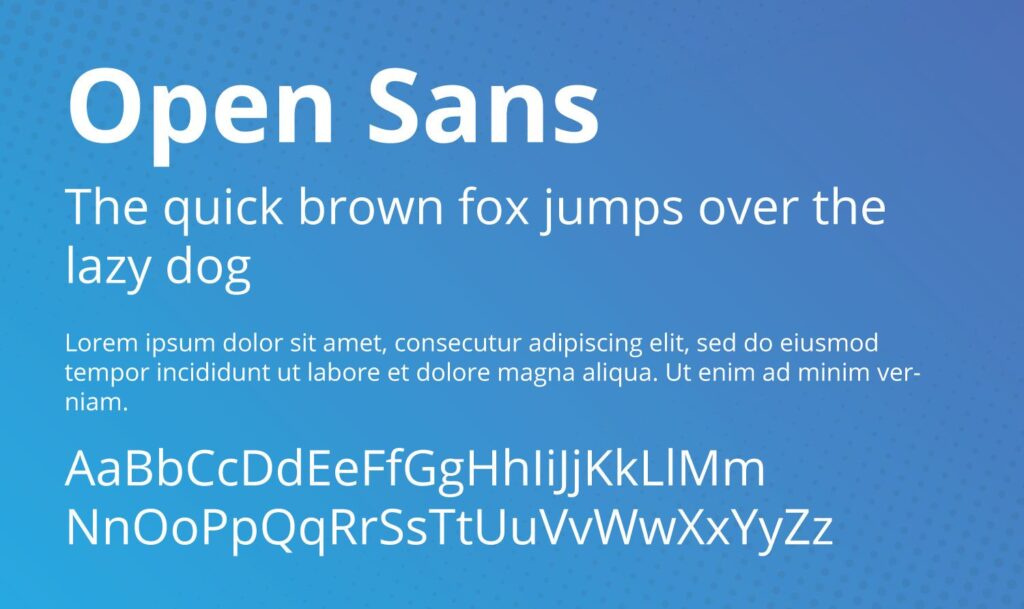
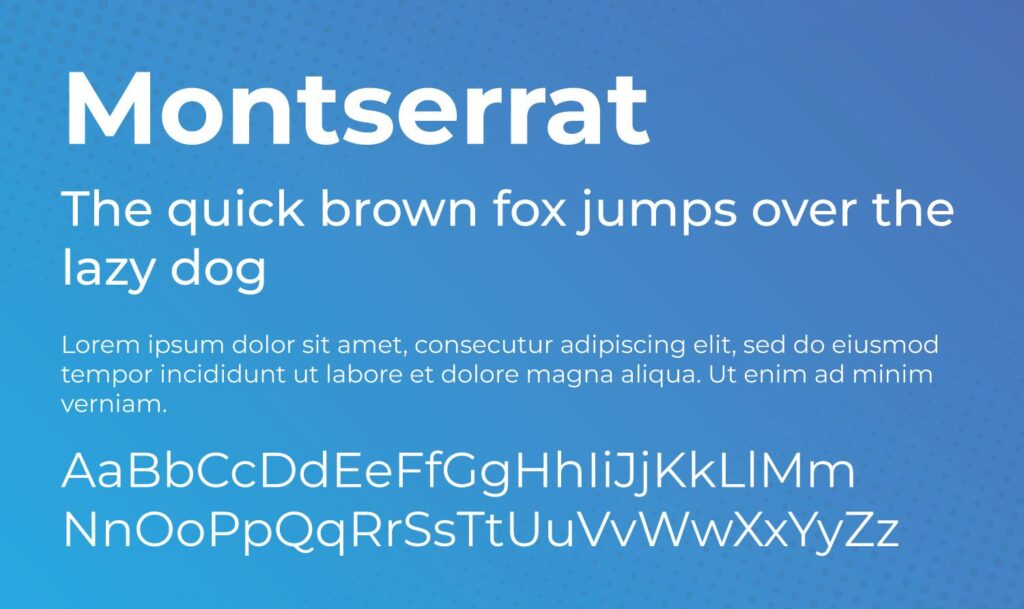
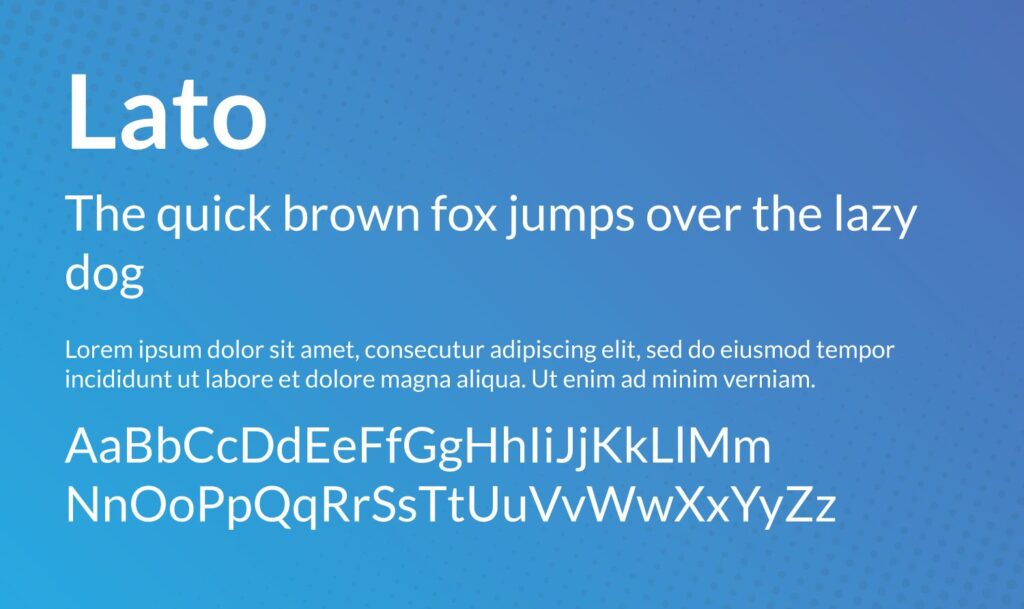
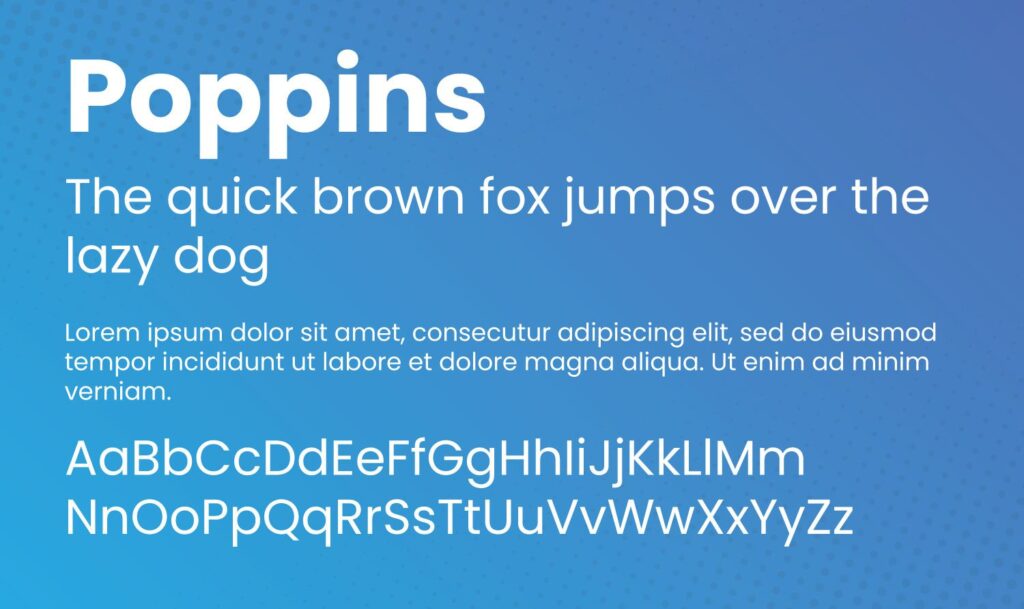
What is Google Fonts?
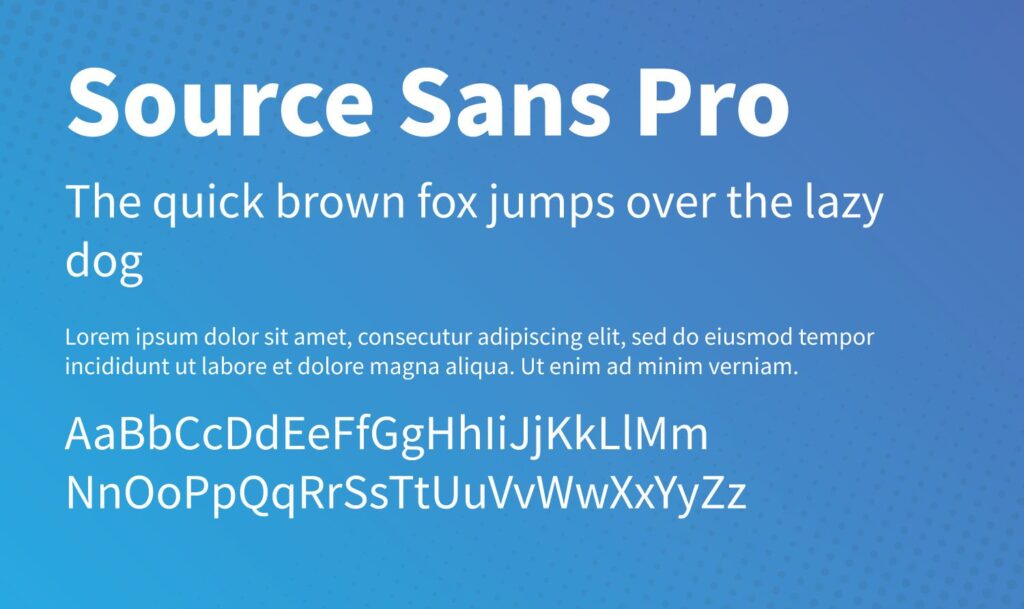
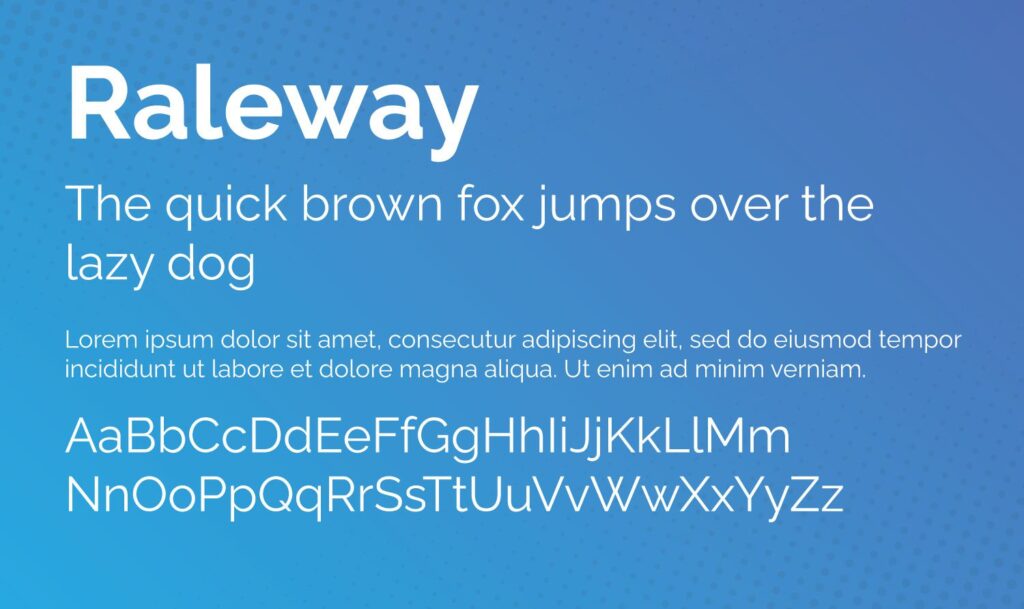
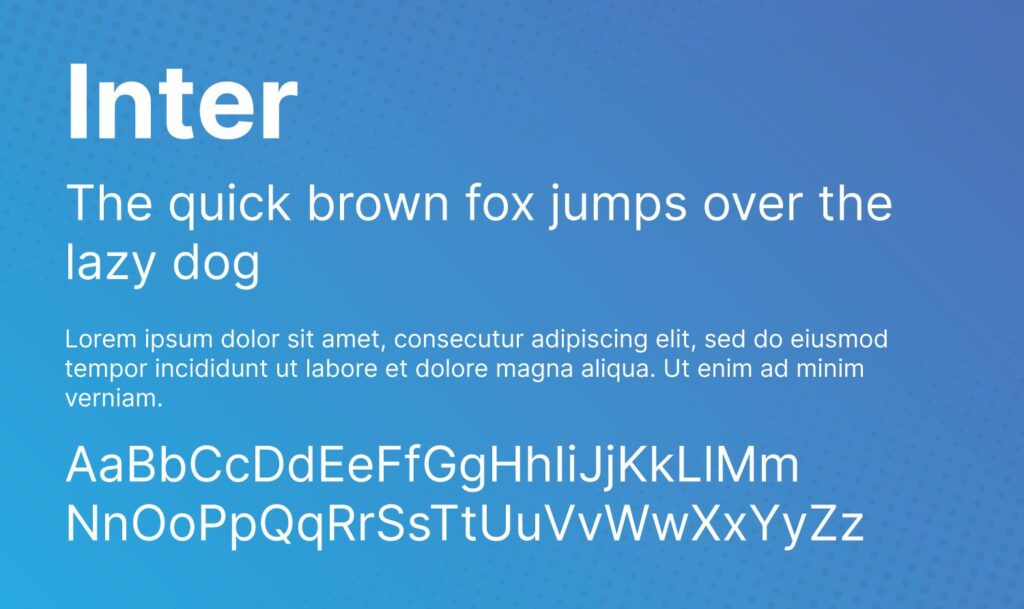
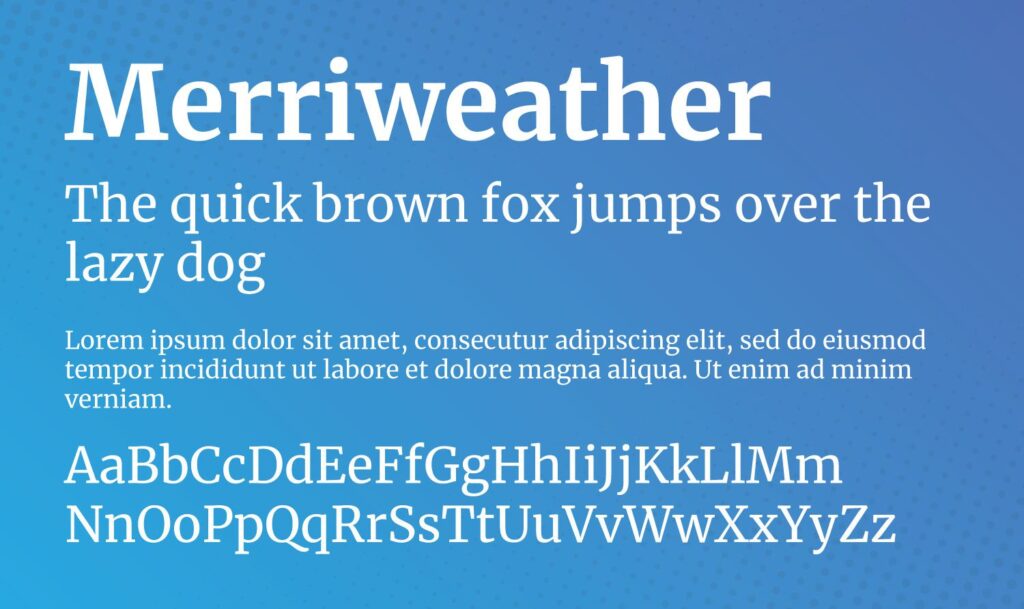
Google Fonts is an open-source library that houses hundreds of fonts that allows you to browse font families and test different typefaces in over 135 languages. You can download all these font files for free.
Google Fonts will even tell you a little about each font, such as its designer, related work, and data on the font’s trends and usage. Additionally, Google sorts its fonts according to your area’s popularity, consumer patterns, and trends.
This library allows you to filter fonts according to their families and weights. You can also test color combinations with samples to create personalized font collections. You can even streamline your design process by sharing these collections with other team members.
Some of Google Fonts’ best features include that the fonts are:
- Free: Google offers open-source fonts, which means they’re free to use. You can distribute and modify them according to your needs.
- Ready for commercial use: Google Fonts are available for commercial use, so you can use them for marketing purposes or on any of your products.
- Compatible with websites and Android OS: You can use Google Fonts if you’re developing an Android app, as long as you have Android Jelly Bean or a later version. Google also allows you to embed Google Fonts directly into your website, helping your branding stay consistent across platforms.
- Good for branding: You can easily use Google Fonts on printed products, e-books, storefronts, jewelry, educational materials, and other surfaces.
- Modifiable: You can alter a Google Font with any design software and use it commercially. You can change a font’s spacing, thickness, or slope.
- Diverse selection: Google Fonts provides a wide array of typefaces, ranging from classic to modern styles. With a diverse selection of fonts, you have the flexibility to choose the perfect typeface that complements your project