Search
Close this search box.

Google Fonts For Your Website

When creating a website, font choice is an important aspect of the overall look and feel of your site. Find a google font that suits your brand.

google fonts

Great web design starts with an appropriate style font.

It may seem like a minor detail, but choosing the right font for the brand you’re working with is crucial.

Think about your target audience and the message you want to convey to your website’s visitors.

The right font can inspire customers to delve deeper into a website, but the wrong one might turn them away.

Finding the perfect balance between readability and branding may seem challenging, but it’s a crucial step in creating an exceptional online experience.

By sticking to a single font, businesses can streamline the customer’s journey and create an inspiring browsing experience.

It may seem like a minor detail, but choosing the right font for the brand you’re working with is crucial.

First and foremost, consider the brand’s personality and voice to determine the appropriate font style.

Think about your target audience and the message you want to convey to your website’s visitors.

Whether serif or sans serif, your website’s font is key to user experience. A serif font may evoke a more traditional, sophisticated feel, while a sans serif font can appear more modern and clean.

Google Fonts are one of the best online resources for fonts to elevate your website to its full potential.

Google Fonts offers a vast selection of free and paid fonts to choose from, with easy integration into your website through embedding or downloading files.


What is Google Fonts?

Google Fonts is an open-source library that houses hundreds of fonts that allows you to browse font families and test different typefaces in over 135 languages. You can download all these font files for free.

Google Fonts will even tell you a little about each font, such as its designer, related work, and data on the font’s trends and usage. Additionally, Google sorts its fonts according to your area’s popularity, consumer patterns, and trends.

This library allows you to filter fonts according to their families and weights. You can also test color combinations with samples to create personalized font collections. You can even streamline your design process by sharing these collections with other team members.

Some of Google Fonts’ best features include that the fonts are:

  • Free: Google offers open-source fonts, which means they’re free to use. You can distribute and modify them according to your needs.
  • Ready for commercial use: Google Fonts are available for commercial use, so you can use them for marketing purposes or on any of your products.
  • Compatible with websites and Android OS: You can use Google Fonts if you’re developing an Android app, as long as you have Android Jelly Bean or a later version. Google also allows you to embed Google Fonts directly into your website, helping your branding stay consistent across platforms.
  • Good for branding: You can easily use Google Fonts on printed products, e-books, storefronts, jewelry, educational materials, and other surfaces.
  • Modifiable: You can alter a Google Font with any design software and use it commercially. You can change a font’s spacing, thickness, or slope.
  • Diverse selection: Google Fonts provides a wide array of typefaces, ranging from classic to modern styles. With a diverse selection of fonts, you have the flexibility to choose the perfect typeface that complements your project
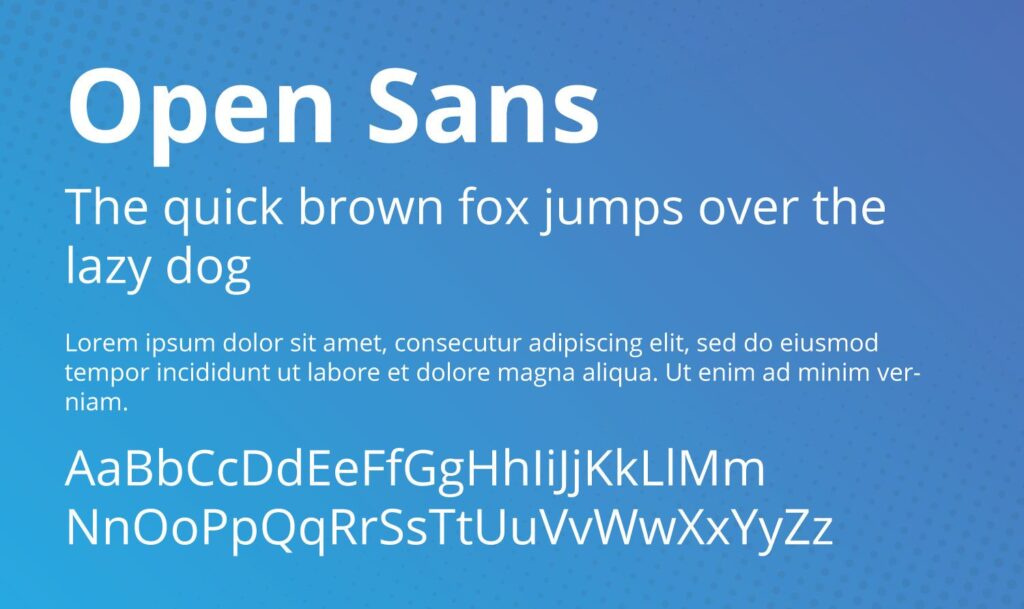
1. Open Sans

Open Sans boasts a user-friendly, ultra-readable appearance.

It’s great for both headline and body texts and is one of the design industry’s most popular fonts.

Open Sans is a minimal, sans serif font best suited to paragraphs and smaller text.

It’s available in 13 styles, ranging from light to extrabold.


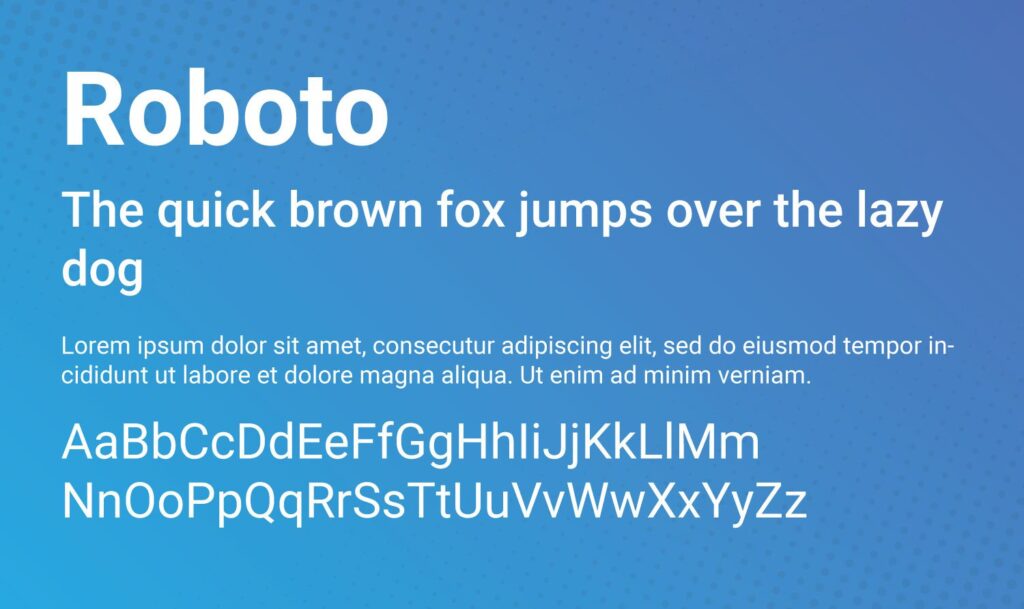
2. Roboto

Roboto is a web-safe font used by Google for its Android devices and for Google services.

Roboto is considered a dual-purpose font, and is the most popular Google font available.

Geometric in shape, it also has nice curves and is generally considered very easy to read.

It has been used as the typeface for Google’s Android operating system since 2014.


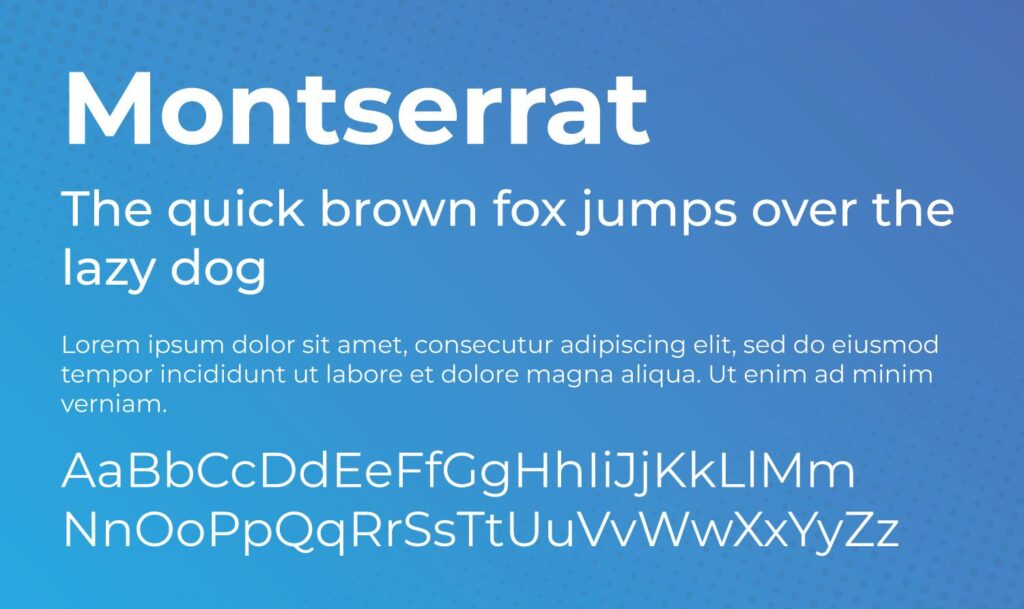
3. Montserrat

With over 30 styles, Monsterrat is quite versatile.

It was inspired by artwork seen in the historic Montserrat neighborhood of Buenos Aires during the first half of the 20th century.

High readability and ease of scaling make Montserrat a suitable typeface for printed material, such as brochures, signage and even books.


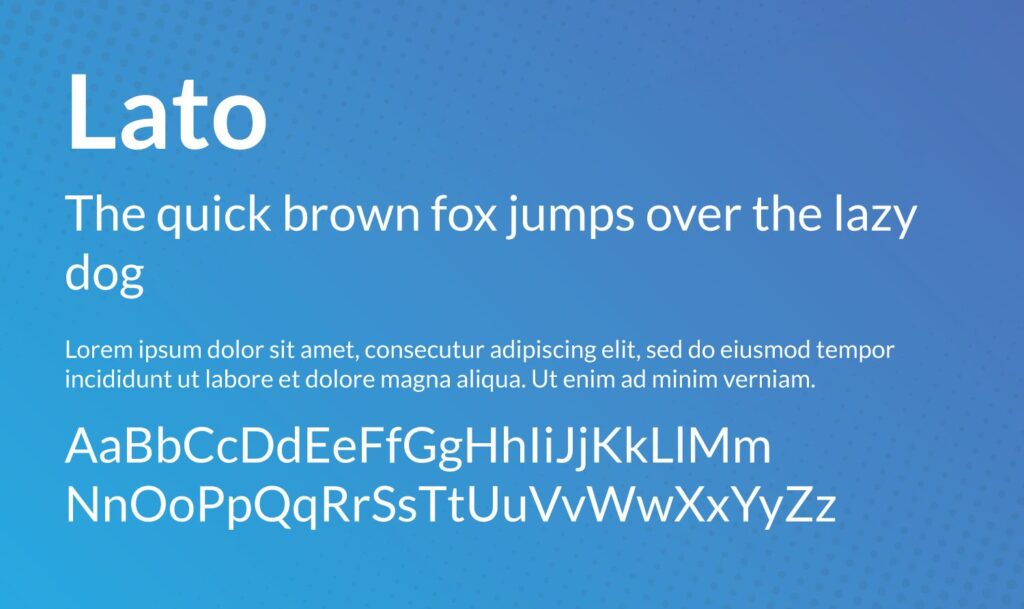
4. Lato

Google describes Lato as a “serious but friendly” font.

Polish for summer, Lato is a multi-purpose font that is generally easy to read and invokes feelings of summertime playfulness.


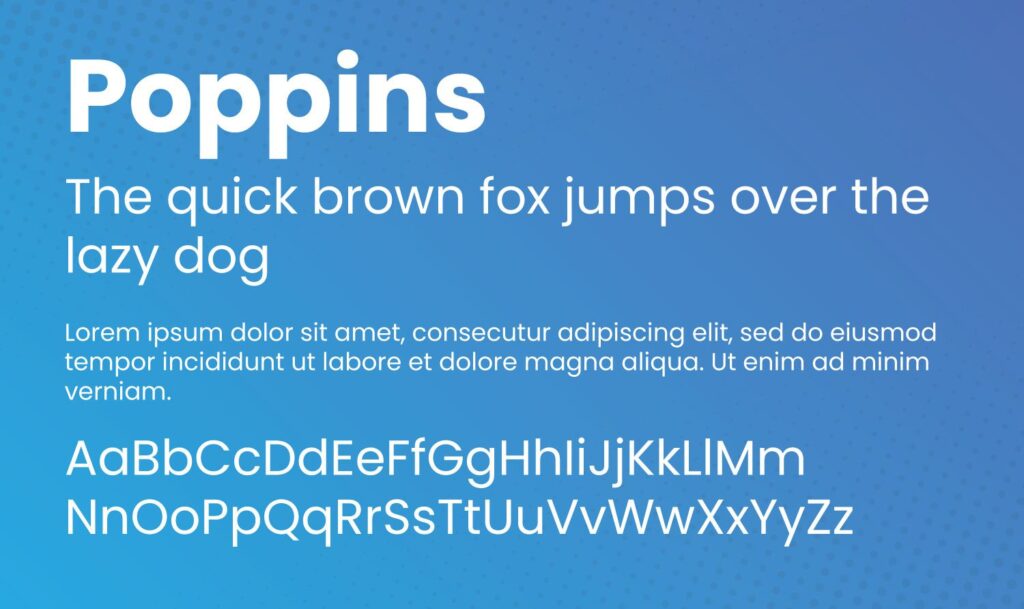
5. Poppins

Google font Poppins is a rounded, widely popular font that is suitable for both heading and body text.

Developed in 2014 as an open-source font, Poppins is based on the Devanagari and Latin writing systems.


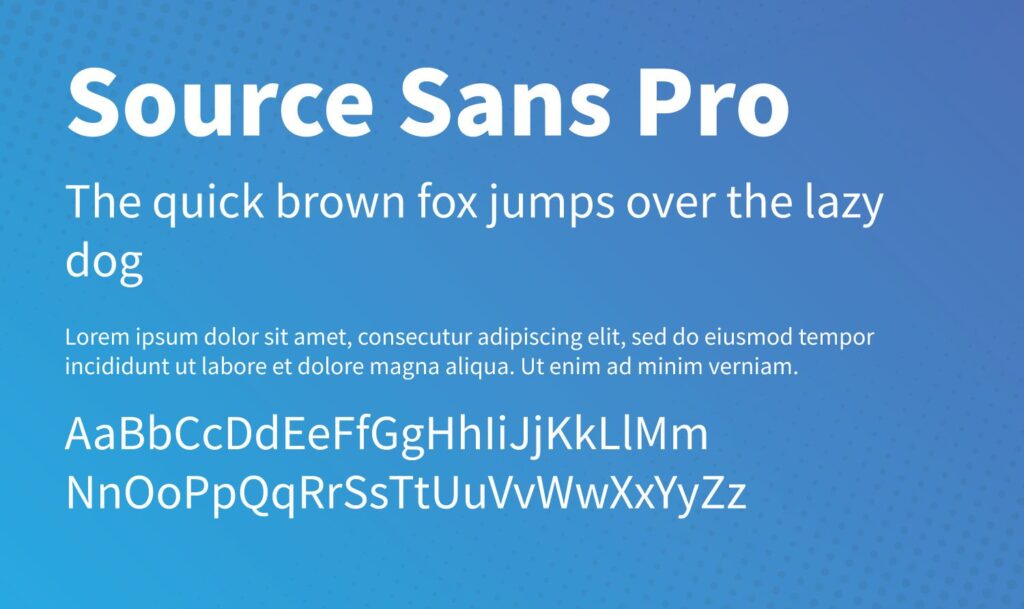
6. Source Sans Pro

Source Sans Pro Released as Adobe’s first open-source font, Source Sans Pro is suitable for all user interface designs.

It is quite versatile and pairs well with other fonts on our list such as Montserrat, Open Sans, and Work Sans.


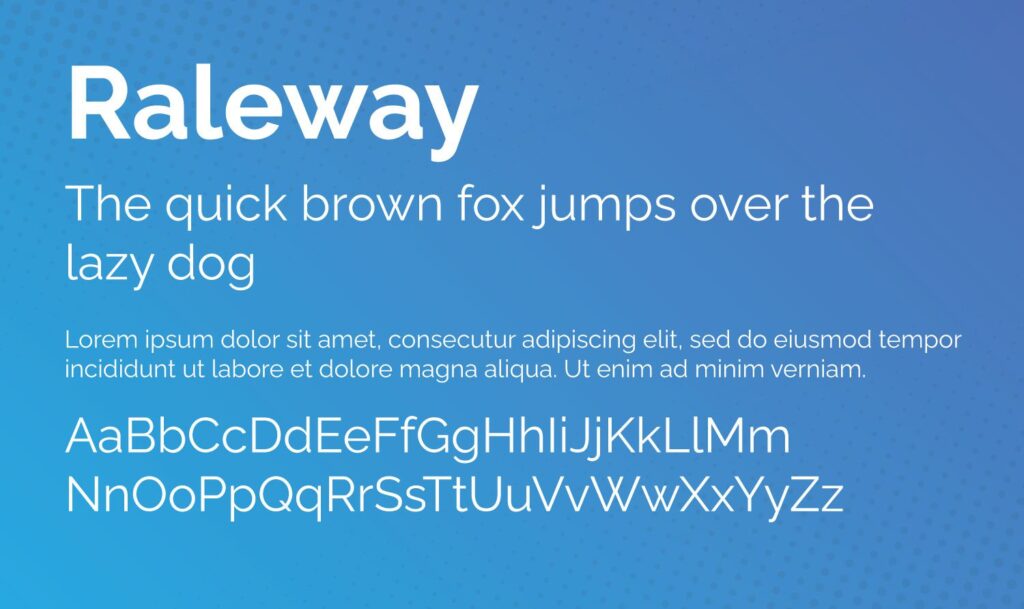
7. Raleway

Thin and elegant, Raleway is a display font typeface well-suited for headings and subheadings.

Initially developed in 2012 as a single thin font, it has expanded to include 9 variances.


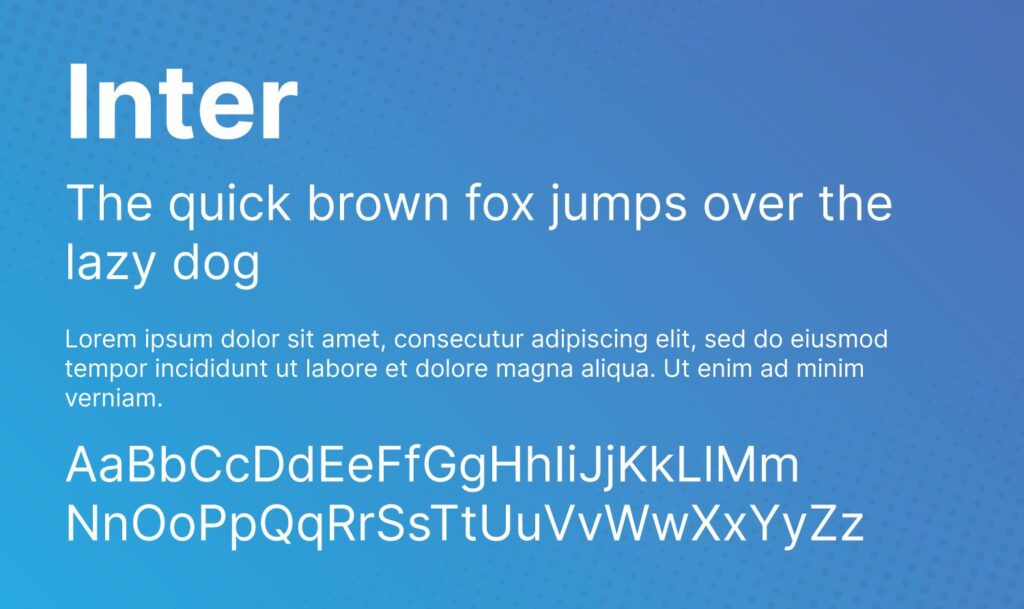
8. Inter

Google font Designed specifically for computer screens, Inter is the newest font on our list.

Initially released under the name Interface, Inter hit the scene in 2017.

It is frequently referred to as a cross between Helvetica and San Fransisco Pro.


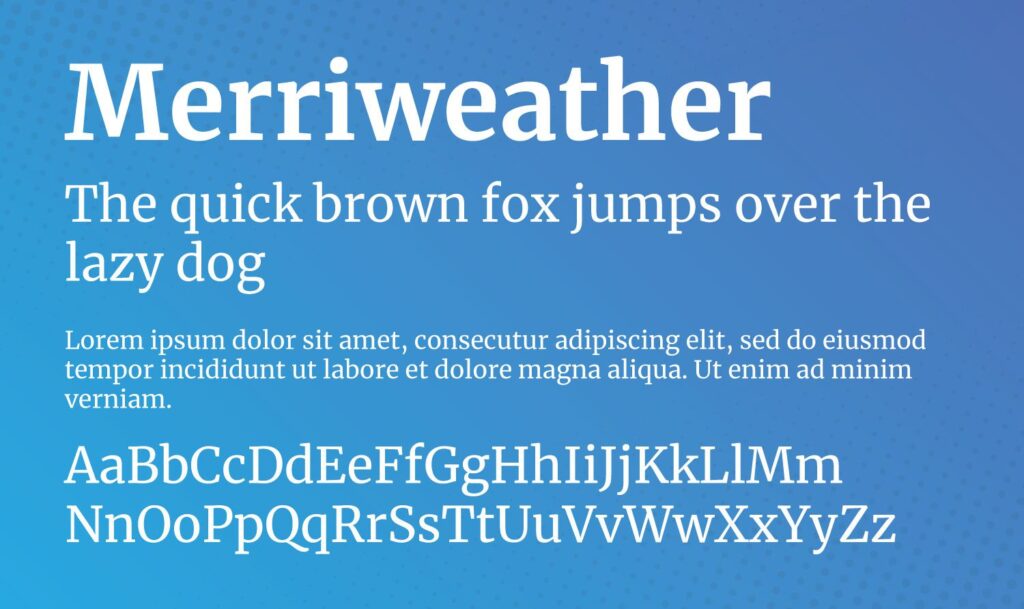
9. Merriweather

As one of the only serif typefaces on our list, Merriweather is playful, yet serious.

It features tall letters that are condensed, yet easy to read on all screen sizes.

There is also a Merriweather Sans font available that pairs well with its serif cousin.


For more on Google fonts, visit https://fonts.google.com/


toowoomba web design

Login

Login to your account

Email Address:
Password:
<